How to do it
Choose a mode
The dashboard has four modes: Just captions, Edit with graphics and captions, Clips + voiceover and 3 variations. For an AI edit, choose Edit with graphics and captions.
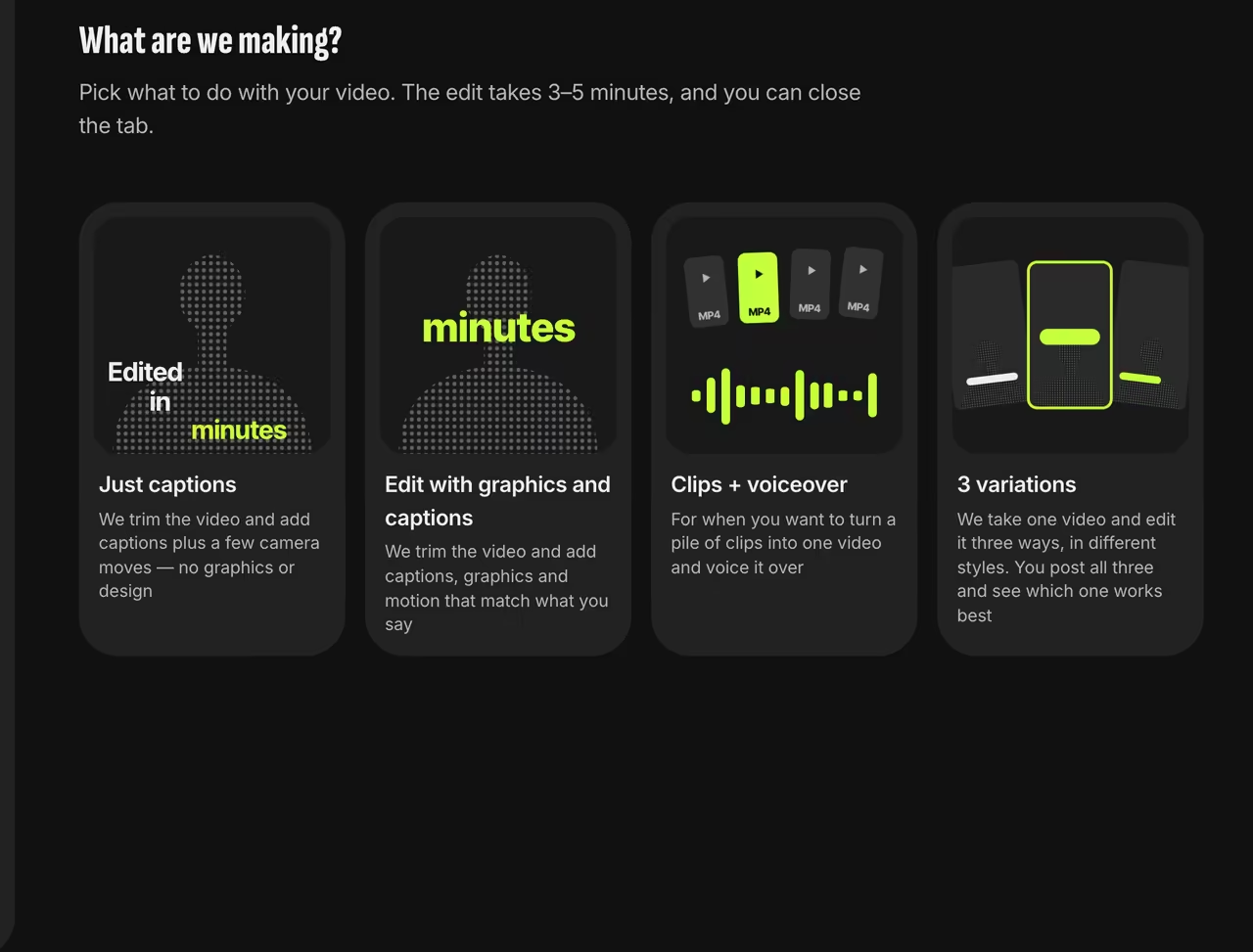
Dashboard start screen Upload and pick a style
MP4, MOV (including iPhone HEVC), WebM and more. While it uploads, pick a style: DAMN, Board, Split, Podcast, Windows 2000, Paper, Cinema, Notebook, Infographic, Glow, Telegram — or Auto, and we’ll match the style to your speech.
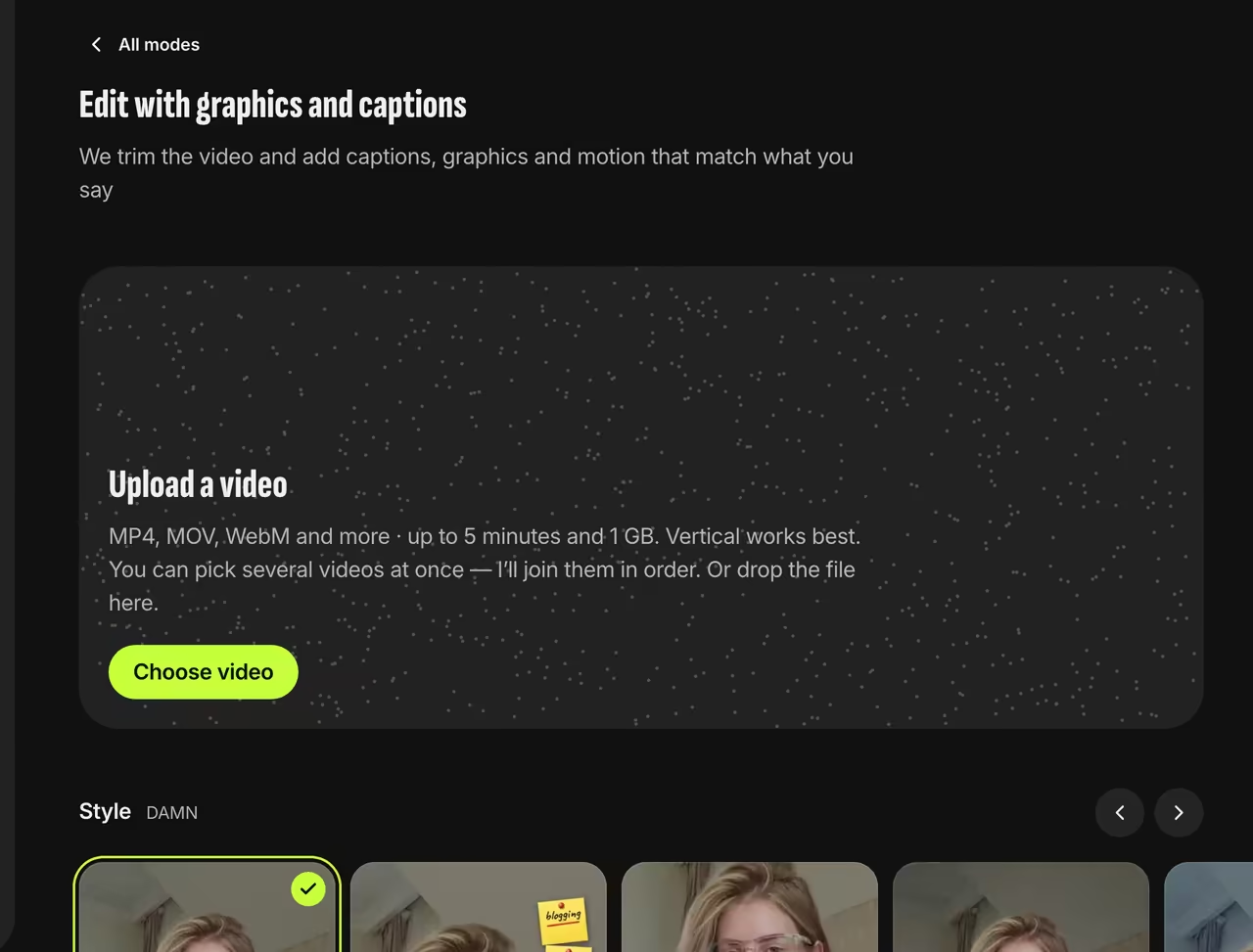
Uploader and styles Fill in the video details
Tell us if it’s raw or already edited. We cut pauses and retakes only from raw footage. Pick the spoken language (one of 51). You can also add AI images or your own photos and turn on “Check the video before editing”.
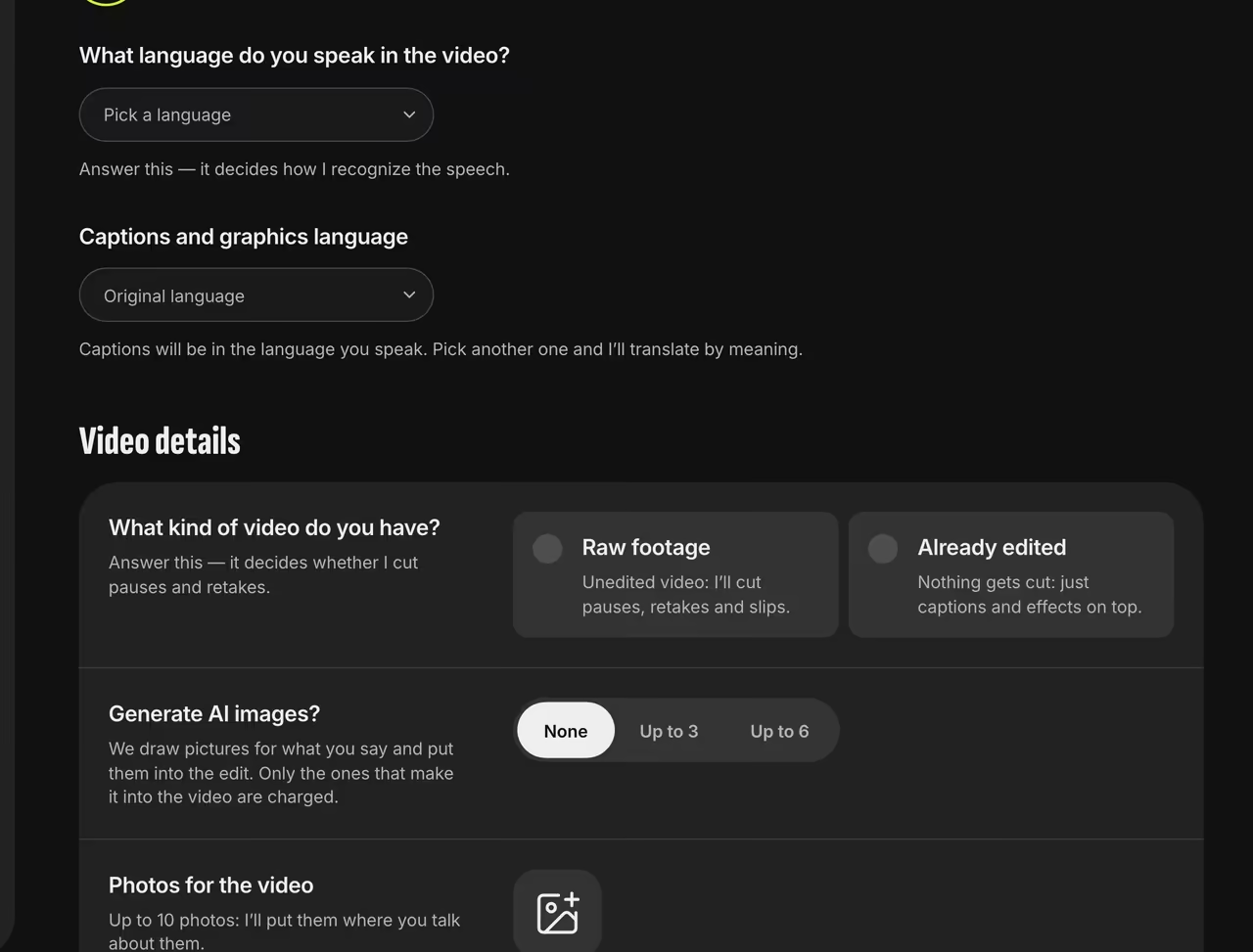
Video details Download
In 3–5 minutes your 1080×1920 video is waiting in the dashboard. Not quite right? Try another style or ask for changes.
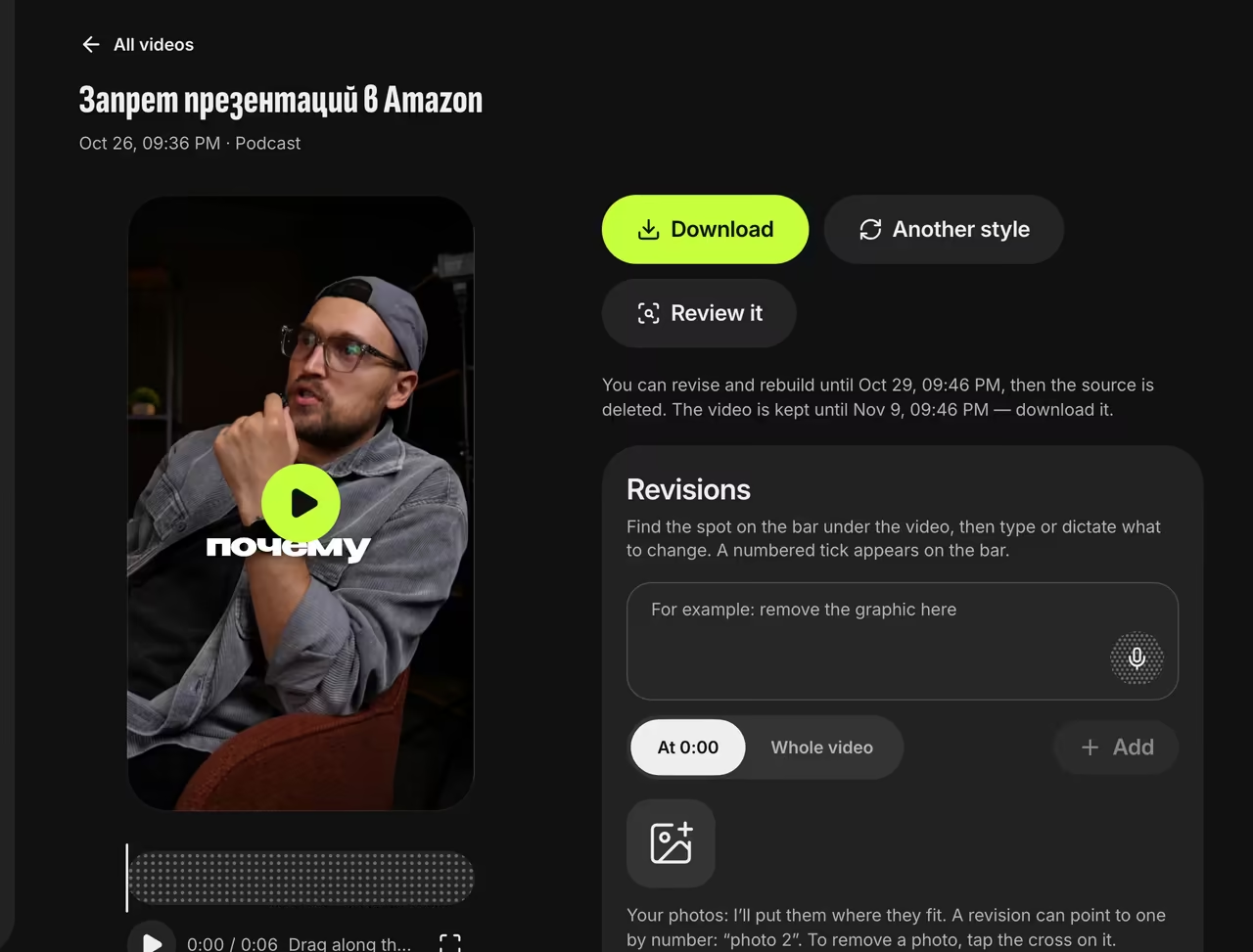
Finished video


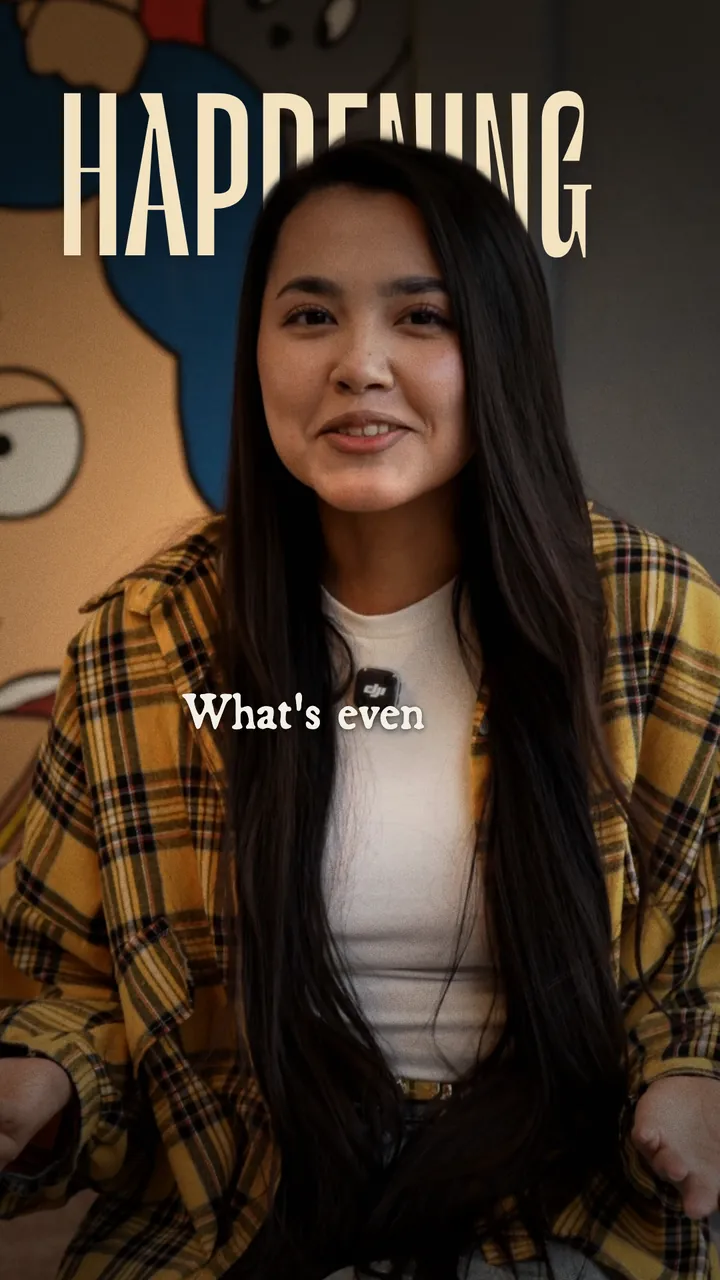
Before and after
Raw footage on the left, the finished edit on the right, with captions and an enlarged key word behind her head.

FAQ
How much does it cost?
Your first video after sign-up is free. After that, pay per video or buy a pack. There’s no subscription, and purchased videos stay valid for 3 months. Prices are on the pricing page.
What kind of video works?
Anything where you talk to the camera: up to 5 minutes and 1 GB, with sound. Vertical works best — we crop horizontal footage around your face.
Can I tweak the finished video?
Yes. Try another style, or type or dictate your changes. Revisions come with PLUS and PRO.
Do I need an app?
No, everything runs in the browser on your phone or computer. The video renders on our server, so you can close the tab.