
How to do it
Upload and pick a style
The style sets the look: fonts, colors, where captions go and which graphics are allowed.
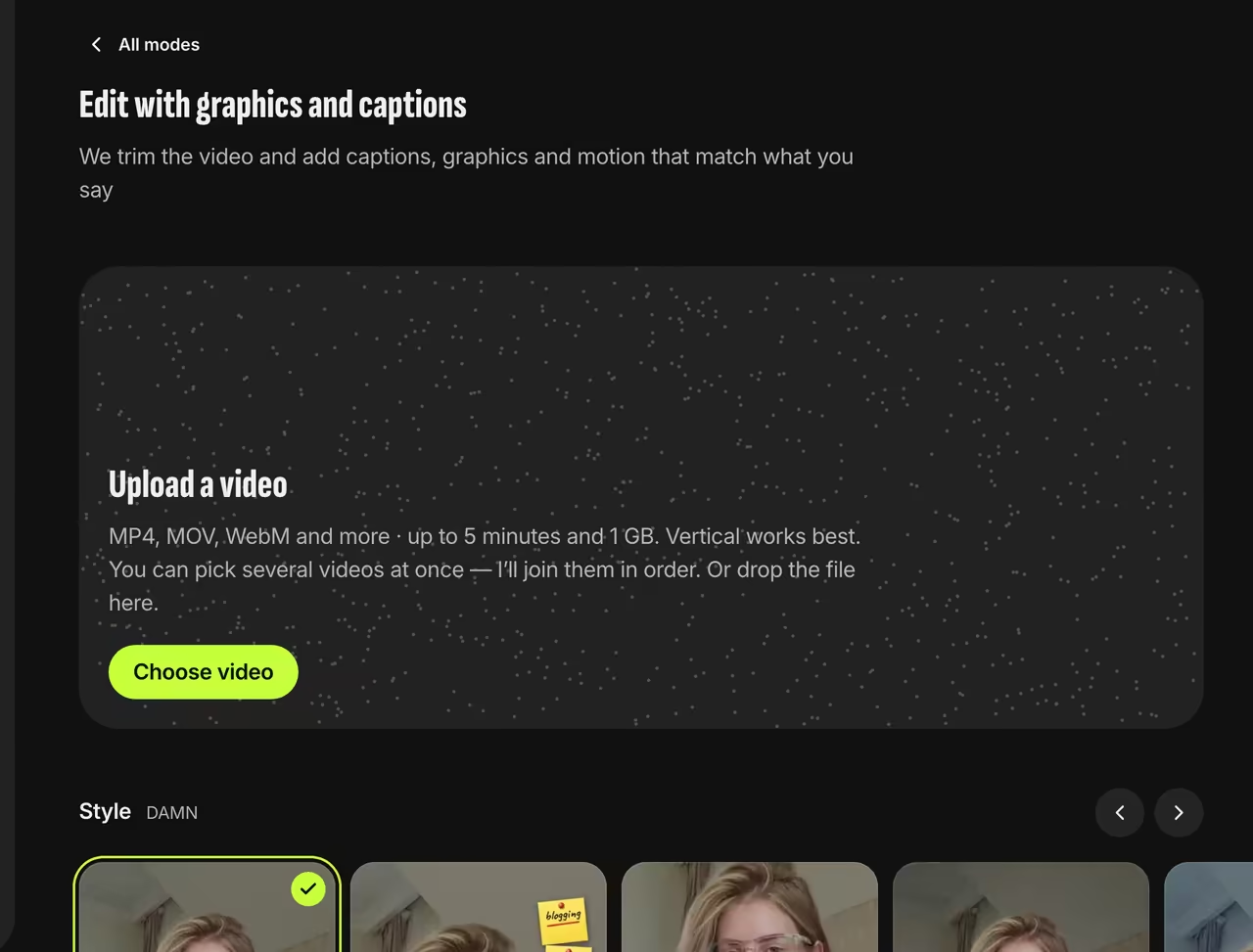
Picking a style AI picks what to highlight
It splits your speech into phrases and picks each phrase’s key word and how to highlight it: bigger, in color, circled or crossed out. Where numbers come up, it adds a sticker or a chart.
We check every frame
We place text clear of your face and inside the Reels and TikTok safe zones, then check every frame and drop any graphic that gets in the way. Edit details show the style and scenes used.
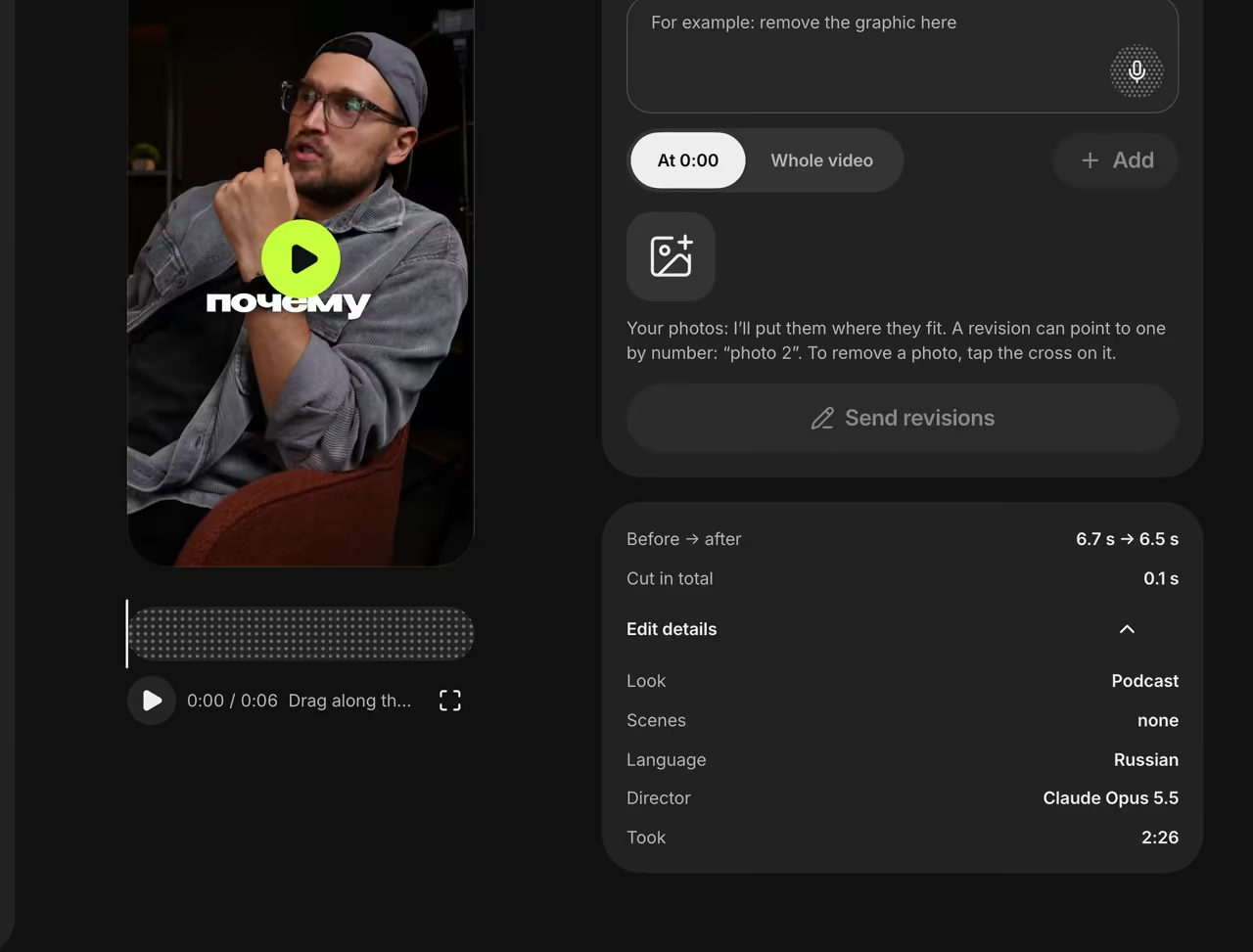
Edit details


The key word goes behind your head
In the Podcast style, the key word of a phrase appears large behind the speaker while captions show one word at a time.


FAQ
Which AI does the editing?
Claude Opus 5.5 by Anthropic marks up the transcript. The style sets the font, placement and color.
Can I say what to highlight?
Yes. Write “0:05 — highlight this word” in a revision, and that moment takes priority.
Why isn’t there a chart where I wanted one?
Graphics only use data you say out loud and appear at least 4 seconds apart. If you asked for graphics in a revision, the report says what didn’t make it and why.