How to do it
Open Video review
It’s in the dashboard sidebar. Pick one of your finished videos.
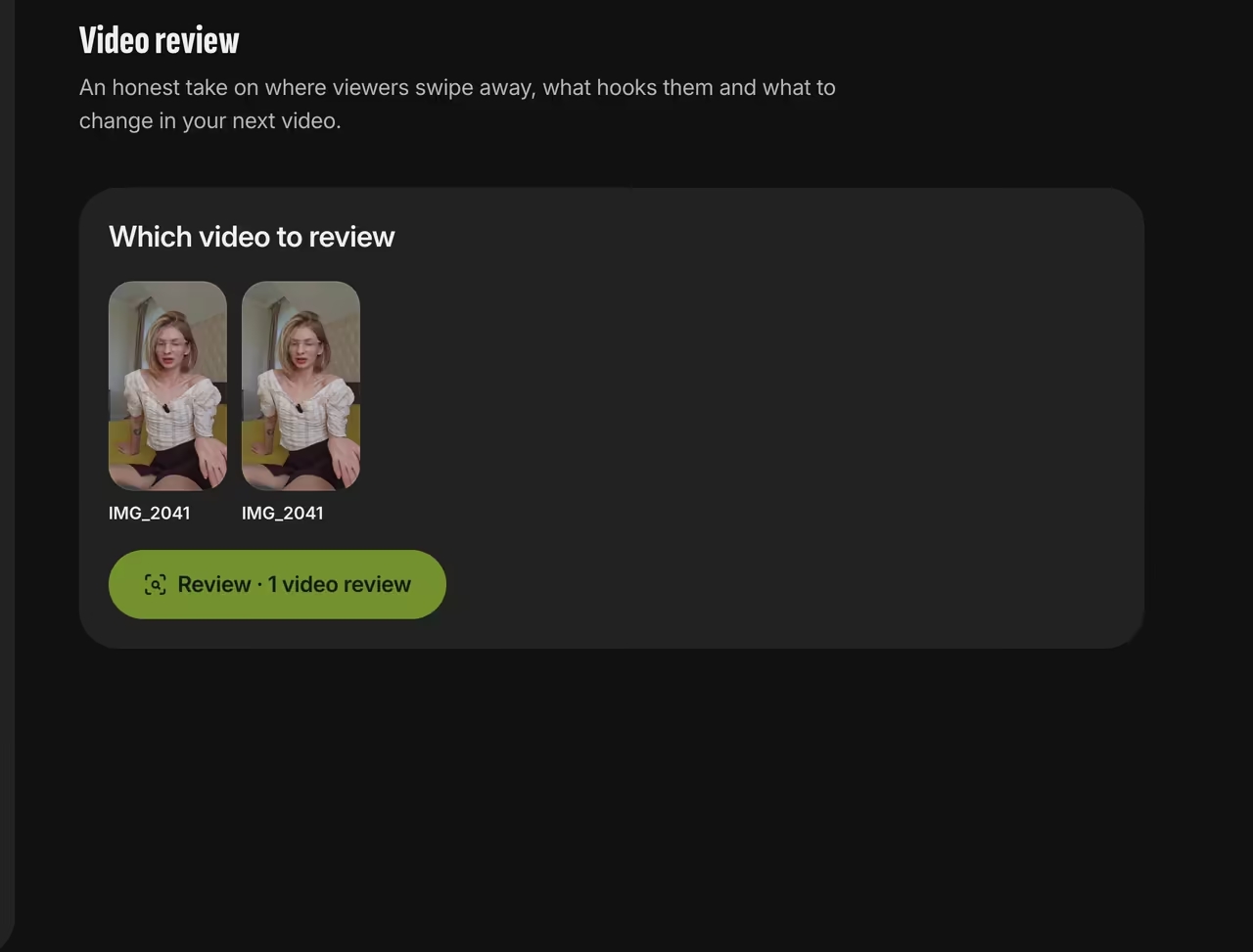
Choosing a video Or hit “Review it” on a video
The button sits next to Download and Another style on the video screen.
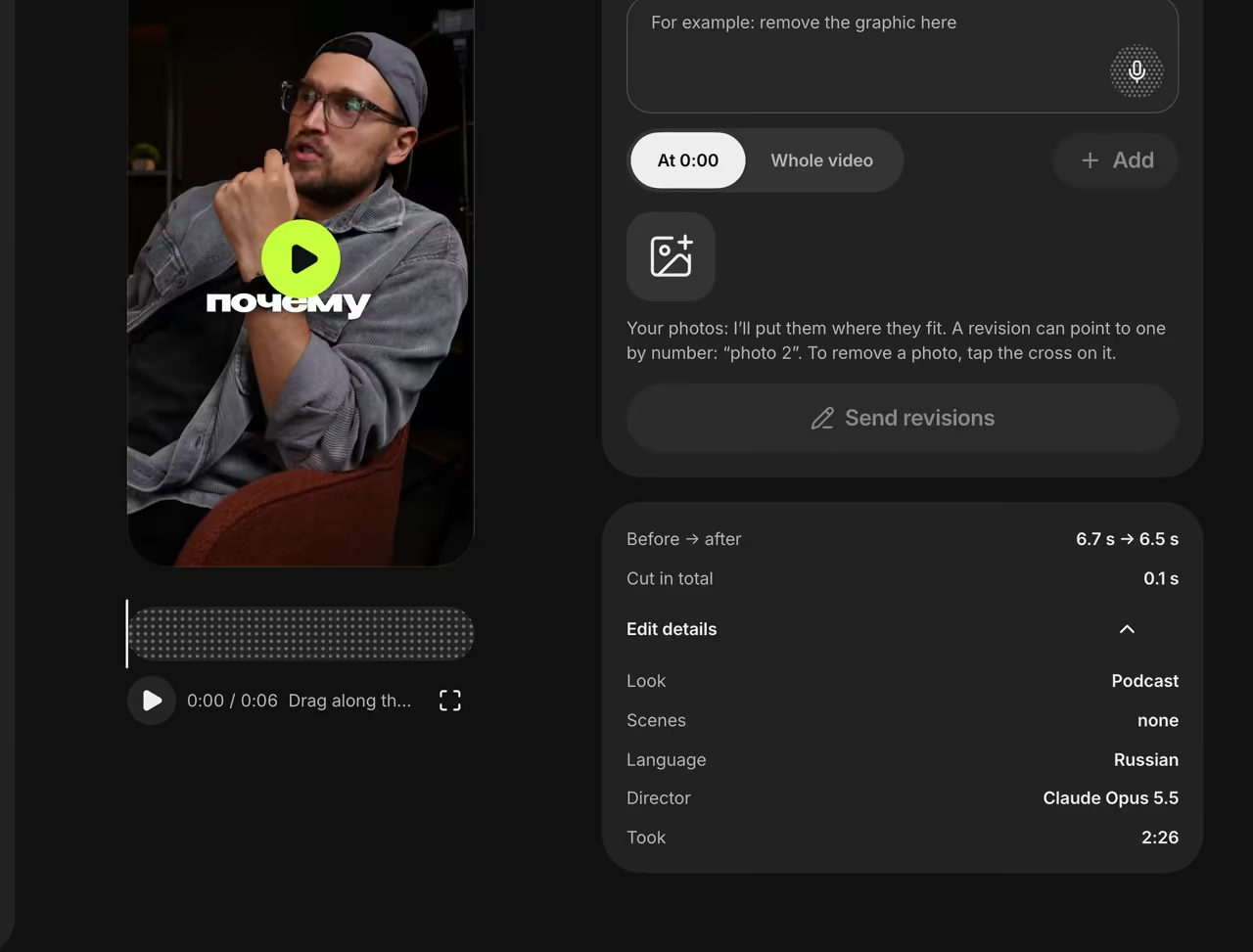
Video screen Use it next time
Take the suggested opening and the note on your weak spot into your next script. You can write it in the Studio right away.


FAQ
Which videos can be reviewed?
Videos edited in Trendino that have speech: the review works from the transcript and the list of graphics. Videos without speech can’t be reviewed.
Does the AI watch the video itself?
No. It reads only the timed transcript and the list of graphics in the video.
Will the review make up facts about me?
No. Where it needs your numbers or facts, it leaves a placeholder like [price] for you to fill in.