
How to do it
Pick a style with graphics
Infographic puts a big chart behind your head, Windows 2000 opens a comparison window, Board pins notes to the wall. Telegram has no graphics.
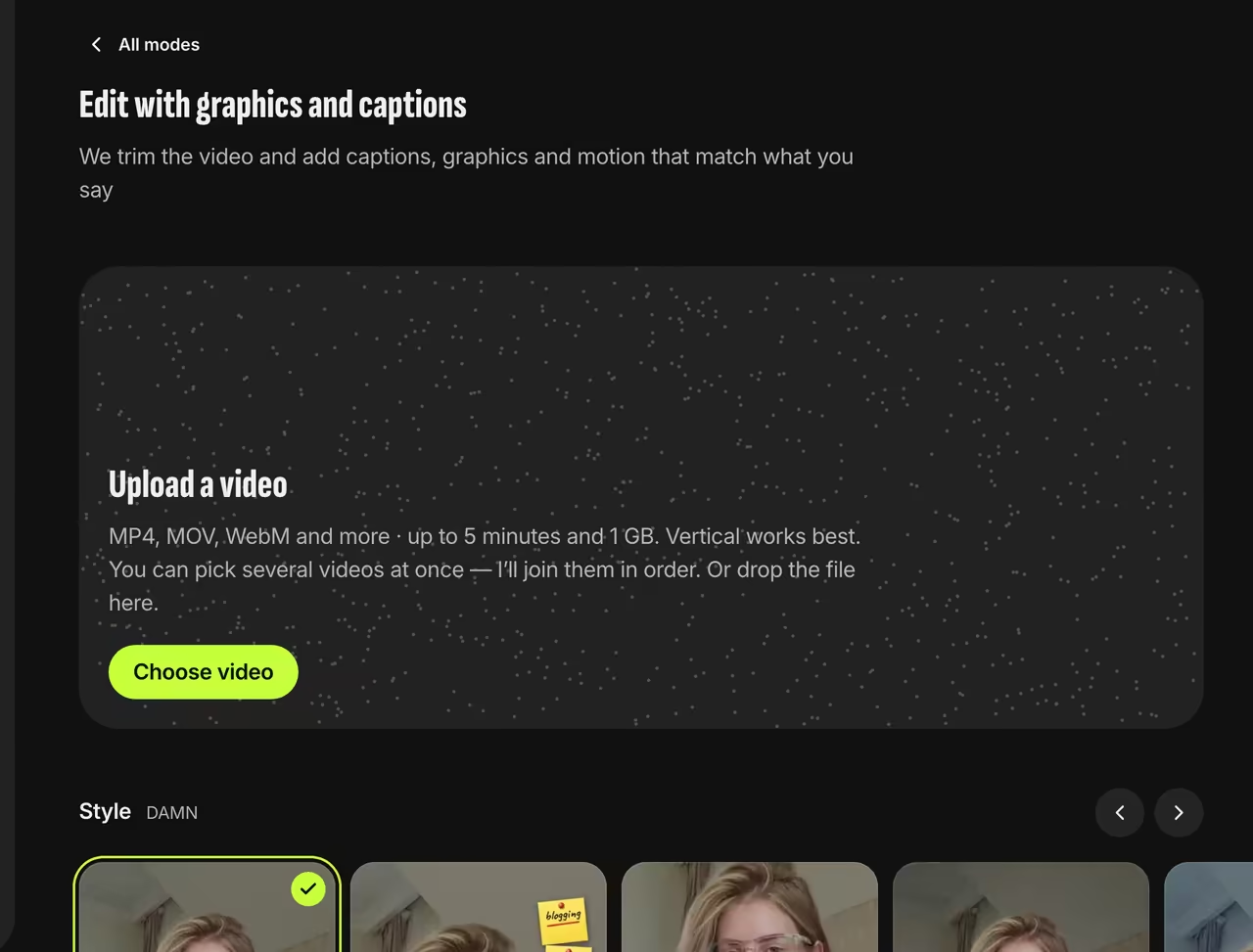
Picking a style Mention numbers and lists
Graphics come from what you say: “I grew 3x in a year” becomes a growth chart, and a spoken list becomes an on-screen list.
Add images
In Video details, choose how many AI images to generate from your speech. You only pay for the ones that make it into the video.
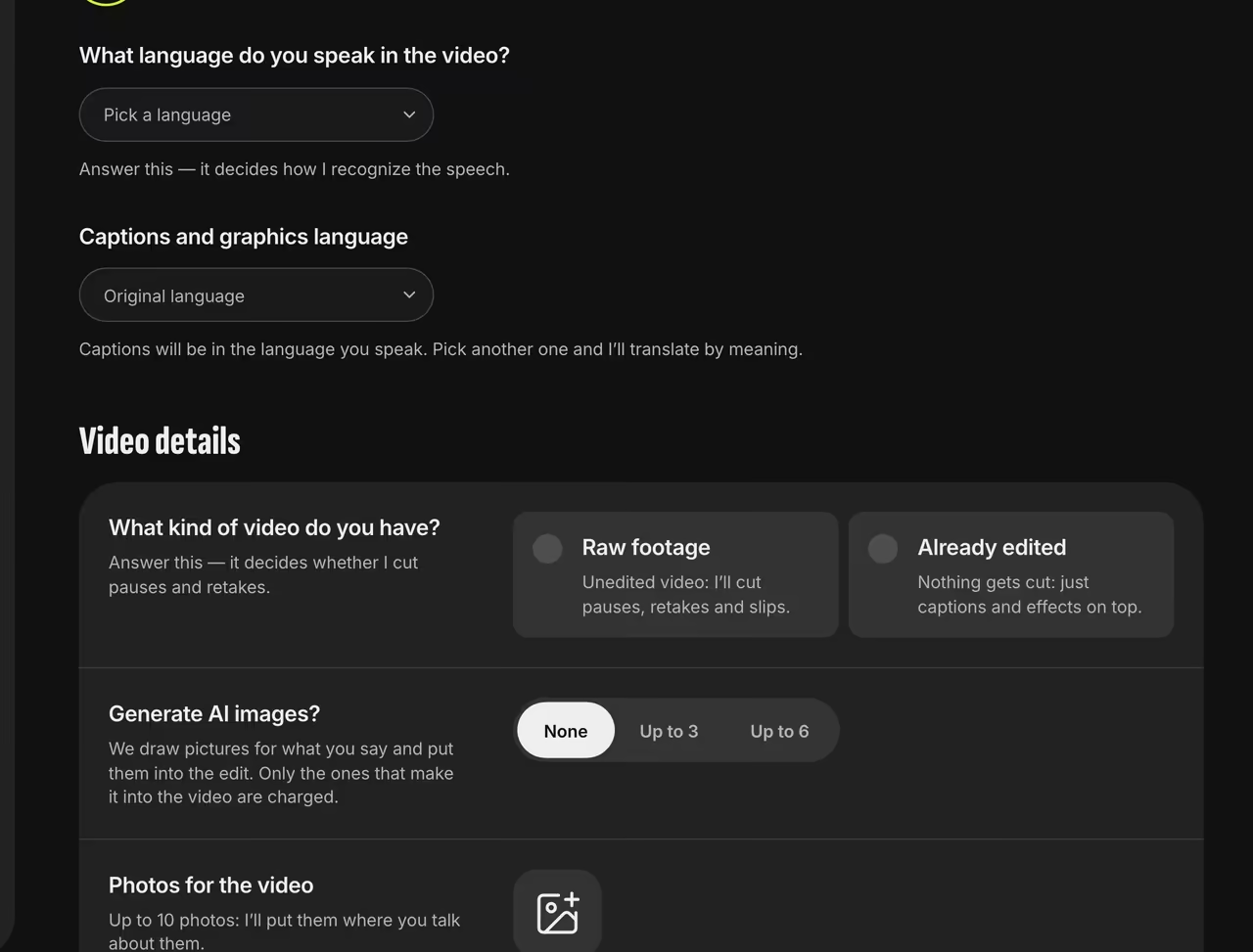
AI images and photos


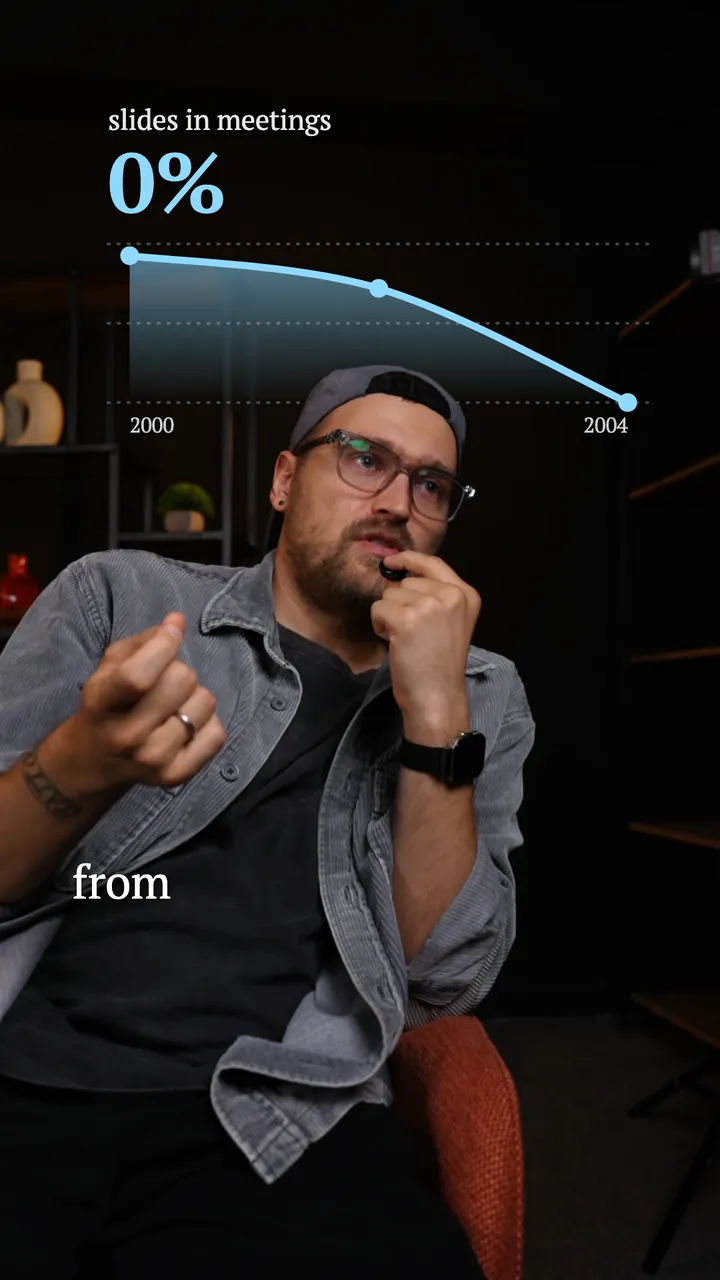
A chart from your speech
In this Amazon example, a “slides in meetings” chart drops to 0% behind the speaker.

FAQ
Do I need After Effects skills?
No. Trendino adds and animates the graphics; you just talk.
Can I add my own images?
Yes, up to 10 photos per video on PLUS and PRO — we’ll show each photo when you mention what’s in it.
Where do the chart numbers come from?
Only from your speech. If you don’t say a number out loud, it won’t show up on a chart.