How to do it
Find the spot
Open the video and pick a moment on the timeline under it. A numbered marker appears there.
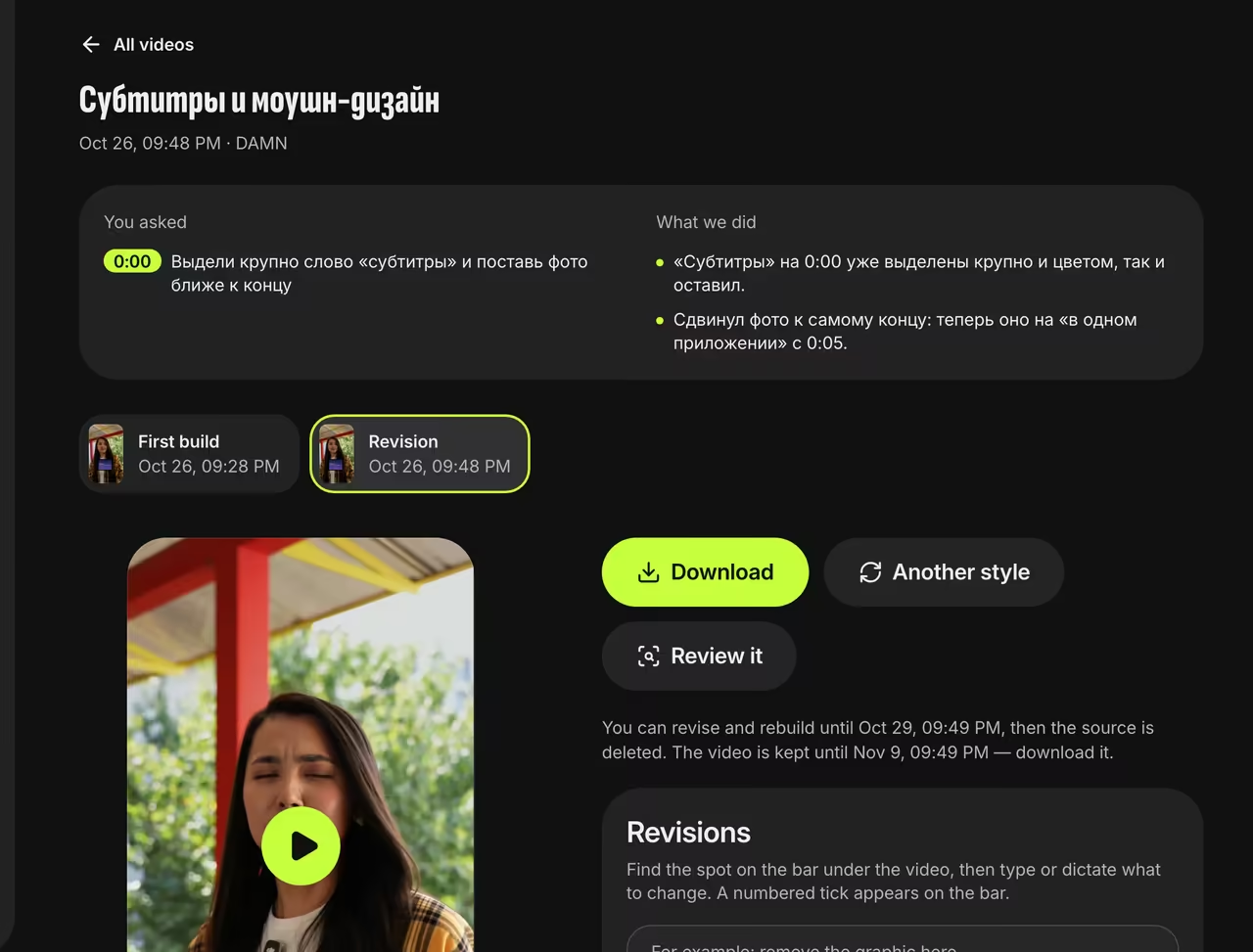
Revisions panel Type or dictate
“0:05 — highlight ‘growth’”, “whole video — use shorter phrases”. You can attach your own photos.
Compare versions
The new version appears next to the first one, and “You asked / What we did” lists what changed and explains anything that couldn’t be done.
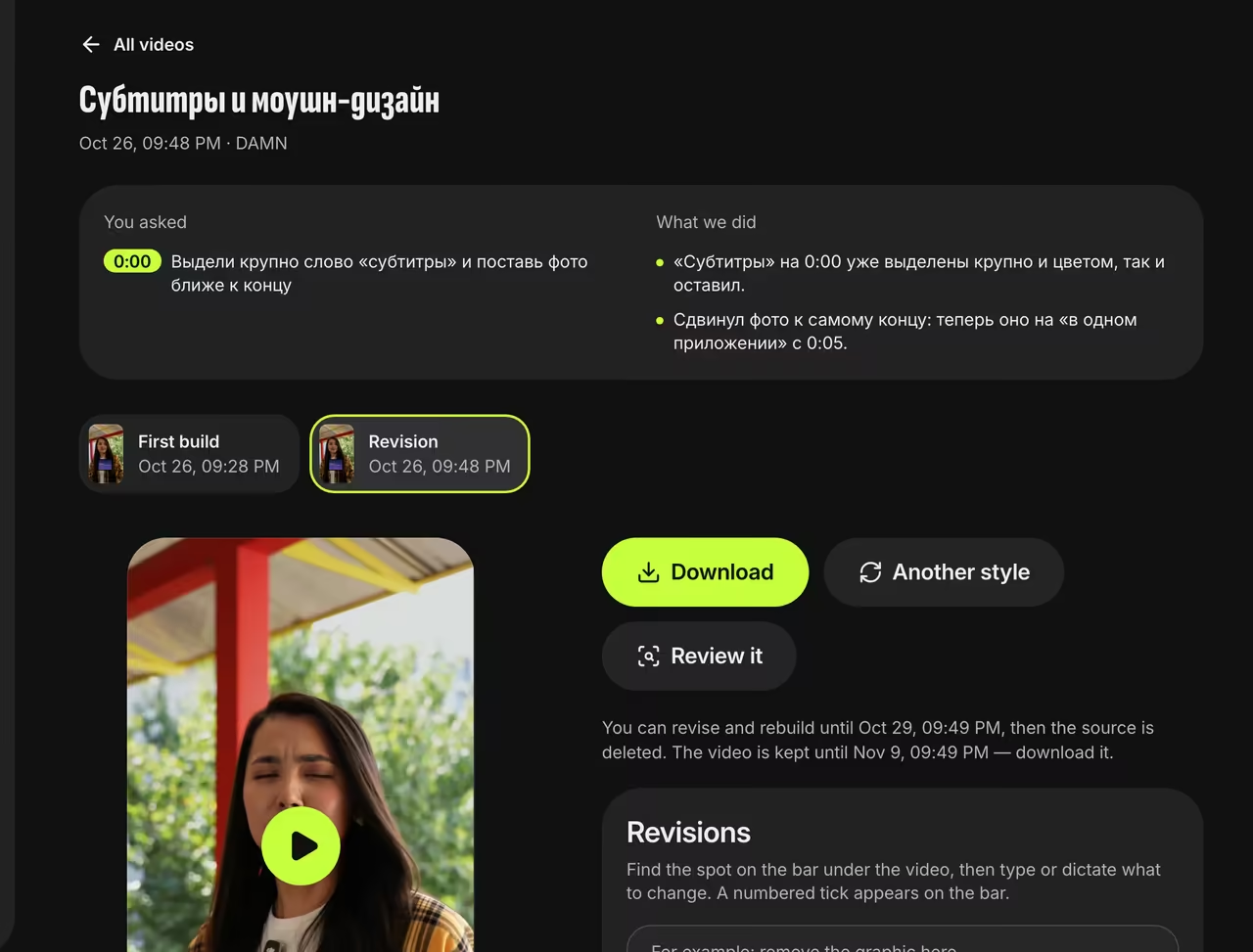
Revision report


FAQ
Does a revision change the style?
No. A revision changes phrases, key words, graphics, photos and cuts, while the style sets the font, placement and color. To switch styles, use Another style.
What if my changes can’t be made?
If nothing changes, we don’t make a new version, and your video credit goes back to your balance.
How long can I keep revising?
For 72 hours after the video is ready, while we keep the original file. Finished videos are stored for 14 days.