How to do it
Fill in the brief
Six questions about your channel: what it’s about, who watches, what you sell, what sets you apart. Type your answers or say them out loud.
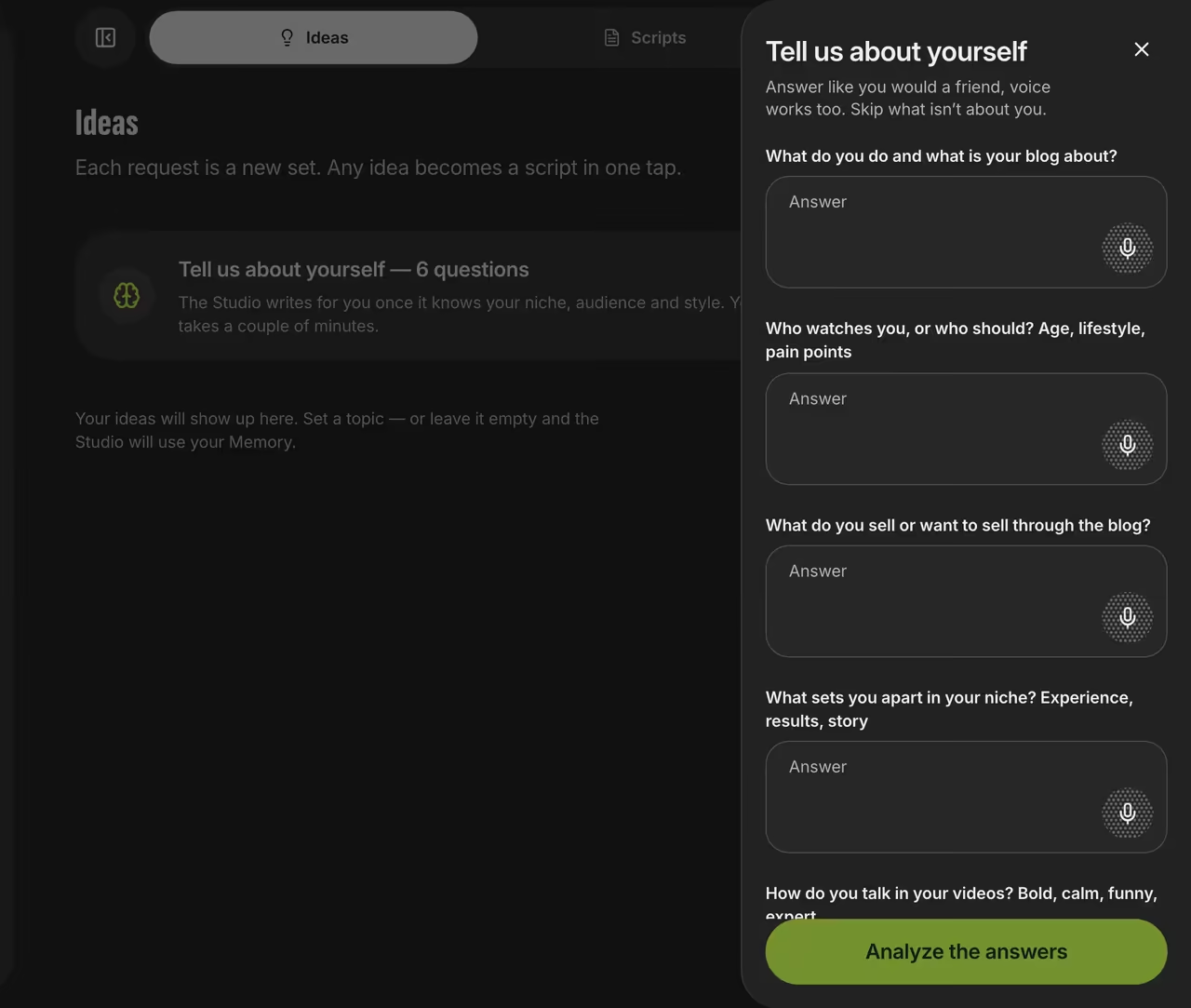
Studio brief Generate ideas
Enter a topic, or leave it blank and the Studio will suggest topics based on what it knows about you.
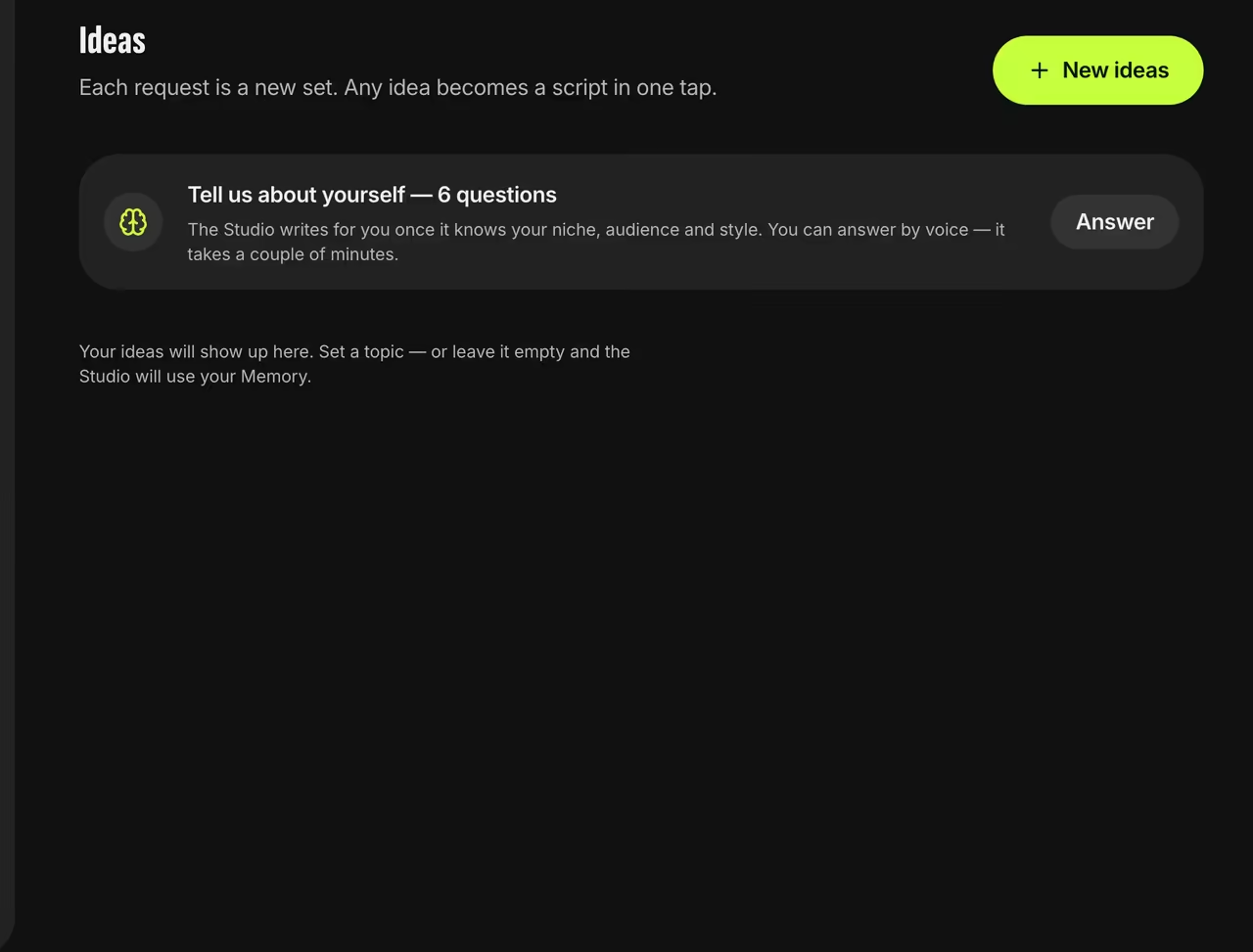
Ideas tab Turn an idea into a script
Hit “Script” on any idea card, then film the result with the teleprompter.


FAQ
What language are the ideas in?
Whatever language your topic is in. With no topic, they’re in your interface language.
Will ideas repeat?
The Studio checks your last 30 titles to avoid repeating itself.
What does the Studio know about me?
Only what you’ve told it. In the Memory tab, you can see and edit saved facts or turn memory off.