Speaking pace and watch time
In 2014, researchers from the University of Rochester, MIT and edX analyzed 6.9 million viewing sessions of educational videos on edX. The faster the speaker talked, the longer people watched: for videos of the same length, watch time usually rose with speaking rate — up to twofold[1].
The same study found that short videos held attention far better: median watch time topped out at 6 minutes, however long the video was[1].
The study looked at lectures, not Reels, so it doesn’t say how Reels viewers behave. Cutting pauses and “um”s still tightens your pace and shortens the video, without you having to talk faster. To help viewers keep up, add word-by-word captions.
How to do it
Mark it as raw
In Video details, choose “Raw footage” so we can cut pauses, filler words and retakes. Videos marked “Already edited” stay as they are.
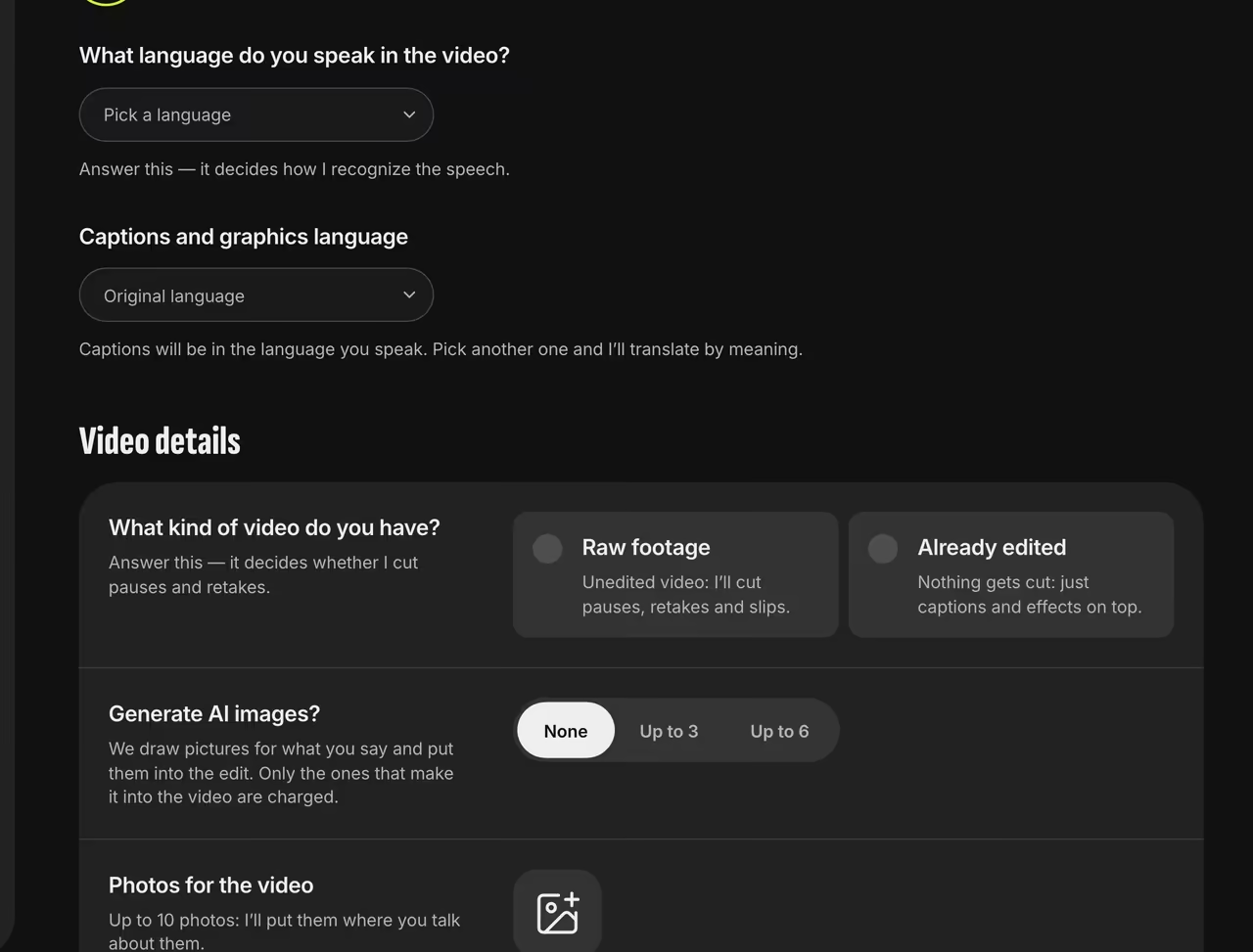
Video details Preview the cuts (optional)
Turn on “Check the video before editing” to see the transcript line by line, with each cut crossed out and labeled with a reason. Tap a cut to keep it.
Restore anything after the edit
On the video screen, “What was cut” lists each piece, the reason and its length. Tick what you want back and hit Restore.
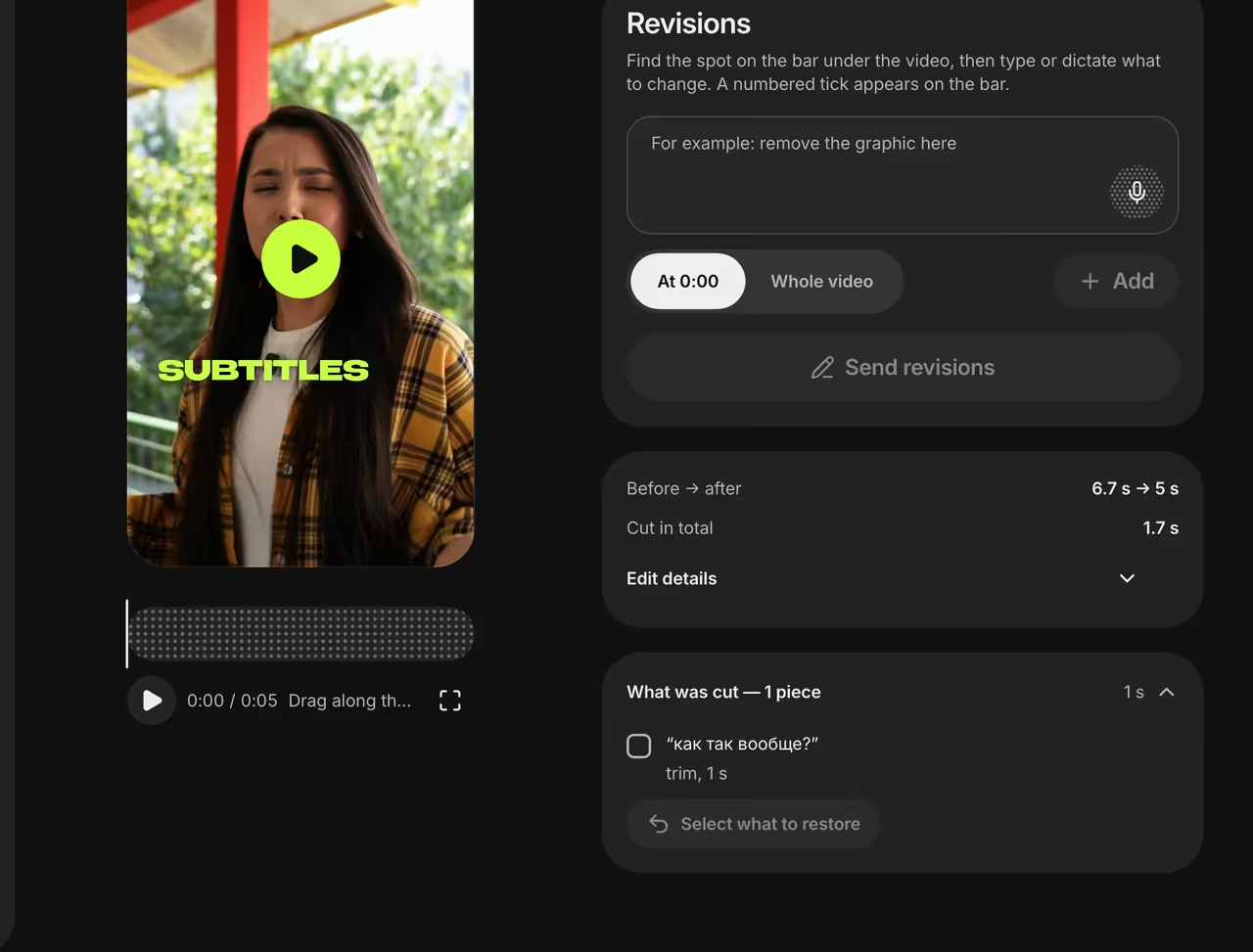
What was cut


Speech before and after
The same sentence in the raw recording and in the captions of the finished video.
um so like today I’m gonna tell you how how I grew 3x in a year and… uh… let me show you how
Today I’m gonna tell you how I grew 3x in a year. Let me show you how
FAQ
Will AI cut something I need?
We keep the last full take, never cut more than 60% of the speech, and list every cut so you can restore it.
Can I skip cutting entirely?
Yes. Mark the video as “Already edited” and we’ll only style it.
Do I need to finish it in CapCut?
No. We cut the pauses, add captions and graphics and mix the audio, so the video comes out ready to post.
Sources
- 1.How video production affects student engagement: An empirical study of MOOC videosP. J. Guo, J. Kim, R. Rubin, ACM Learning @ Scale, 2014