How to do it
Hit “New script”
In the Scripts tab, type the topic or idea, then pick a goal and length.
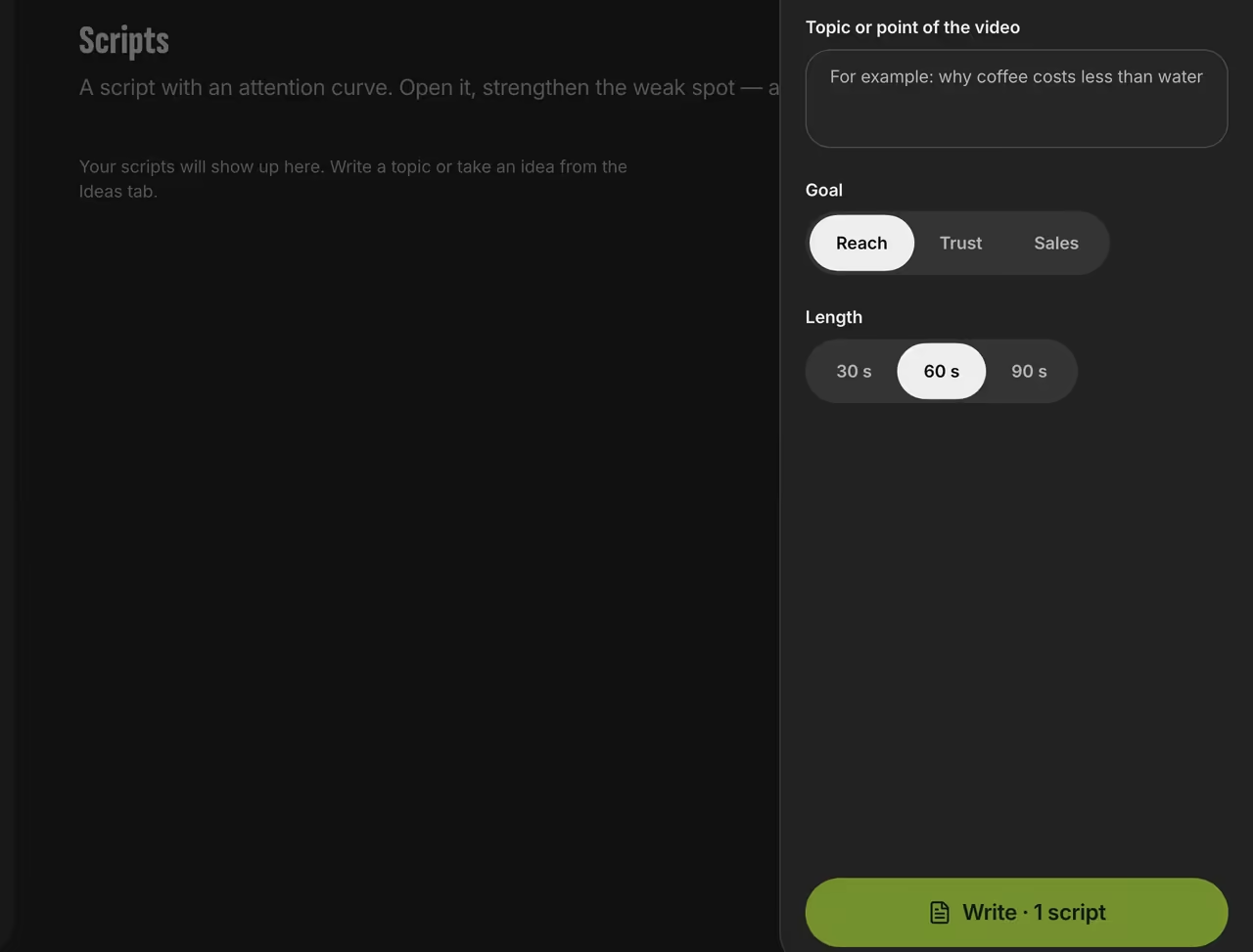
New script Get your script
Hook, middle and call to action, written in short spoken lines you can read off the teleprompter. Below the text, a retention curve shows the predicted score for each line.
Strengthen the weak spot
“Strengthen” rewrites the weakest section. If the new version scores lower, we keep the original and you don’t use a script credit.
Film it
Open the script in the teleprompter and the text scrolls on its own.

Predicted retention
Here’s the estimate in your dashboard. The curve shows the predicted score for each line, peaks mark the strongest moments, and the red zone shows where viewers are predicted to drop off.
A barista’s day in 30 seconds
FAQ
What language does it write in?
Whatever language your topic or idea is in. With no topic, it uses your interface language.
Why not just ask a chatbot?
It’s written for video: a hook in the first few seconds, sections that fit your length and a call to action at the end. Every draft gets scored, weak ones are rewritten up to twice, and you can read the result off the teleprompter right away.
Can I tell the AI about myself?
Yes. Answer a 6-question brief, and the Studio will remember your niche, audience and style.