How to do it
Upload a video with sound
Videos without sound only work in Clips + voiceover.
We mix the audio
Once the pauses are cut, we level your voice and blend in the style’s sound effects: whooshes on graphics and clicks on key words. Turn off “Sounds, whooshes, clicks” when you pick the style, and only your voice remains.
Listen to the result
Play the video and check that your voice sounds even. Edit details show the length before and after cleanup.
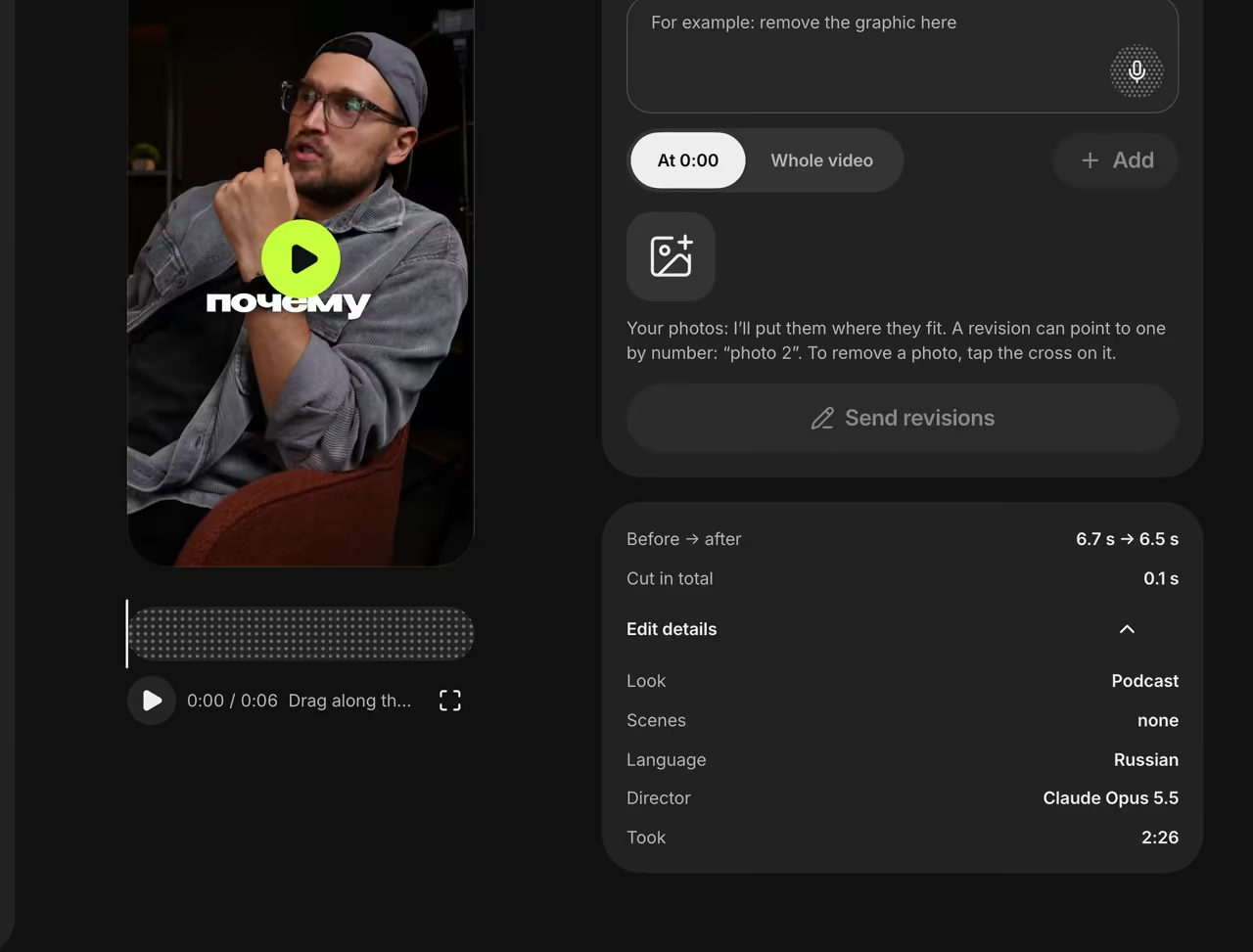
Edit details

Loudness before and after
Quiet parts come up, sudden spikes come down and pauses are gone.
FAQ
Do you add music?
No, the video has only your voice and the style’s sound effects. It’s easier to add music in the app you post to.
Will you remove street noise?
We cut low rumble and level your voice, but there’s no noise reduction — a mic helps a lot.
What is −14 LUFS?
LUFS measures loudness the way people hear it. −14 LUFS is a common target for online video.