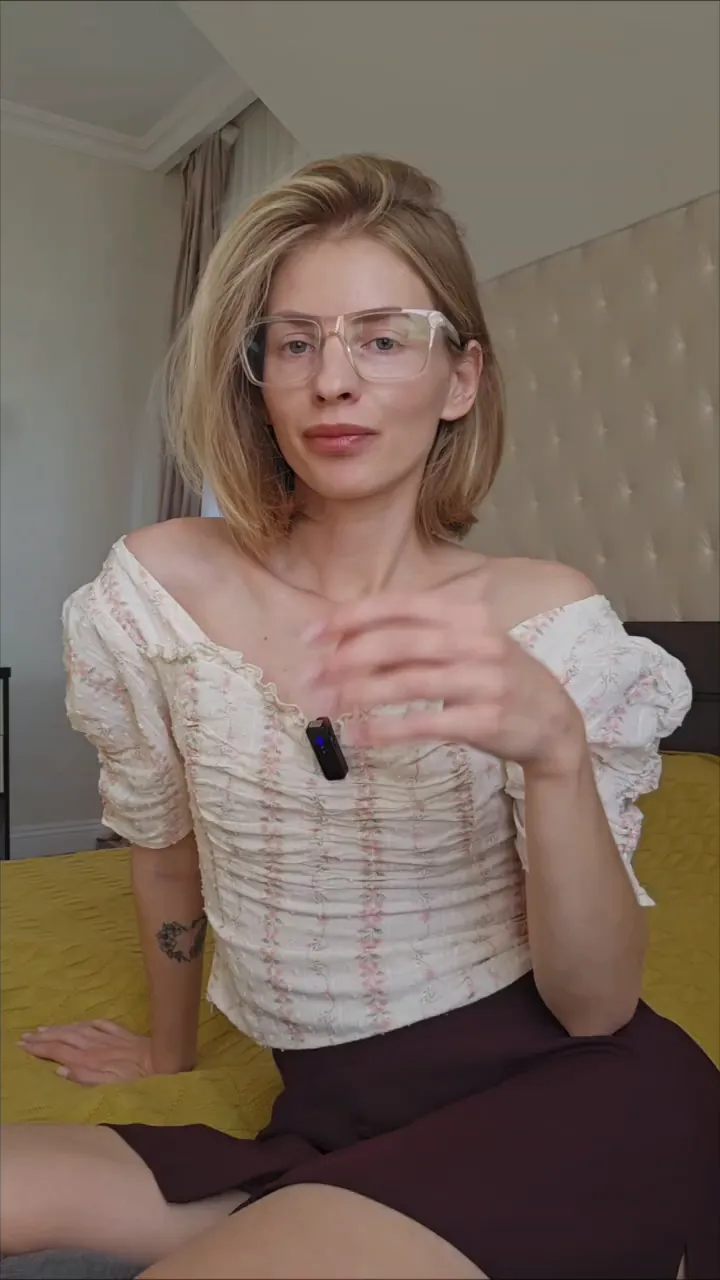
How to do it
Open the teleprompter
It’s in the dashboard sidebar. Paste your text or pick a script; a blank line starts a new paragraph.
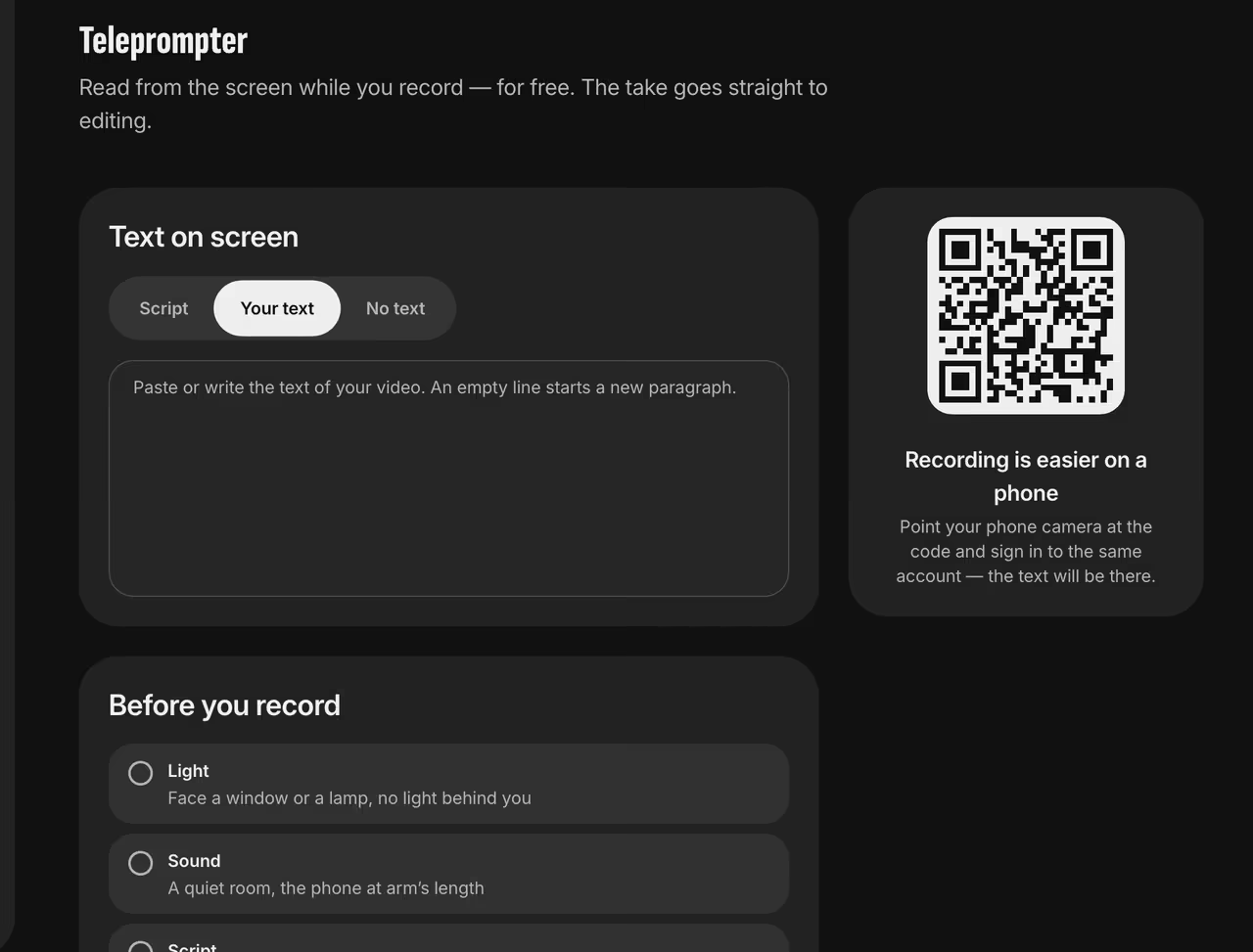
Teleprompter in the dashboard Get ready
Face a window, find a quiet room, hold the phone at arm’s length and read the text out loud once before recording.
Record
After the countdown the text scrolls on its own. Tap the screen to pause. Set the speed anywhere from 0.5× to 2×.
Send it to editing
Hit Stop to upload your take, then pick an editing style.

FAQ
Is it really free?
Yes, for everyone, with no limit on recordings.
Can I prep on my laptop and film on my phone?
Yes. Your laptop shows a QR code — point your phone camera at it and sign in to the same account. The text is already there.
How long can a take be?
Up to 5 minutes. We’ll warn you 30 seconds before the end.