Your voice or an AI voice
Record it yourself when every word matters: it’s your script and your delivery, and we cut the slips. An AI voice writes its own script from your clips and description, so it can’t read your text word for word.
How shots get matched to the words, and what else the mode can do, is in the guide to Clips + voiceover.
How to do it
Upload your video
Open Clips + voiceover and upload a finished video without speech, or a few clips.
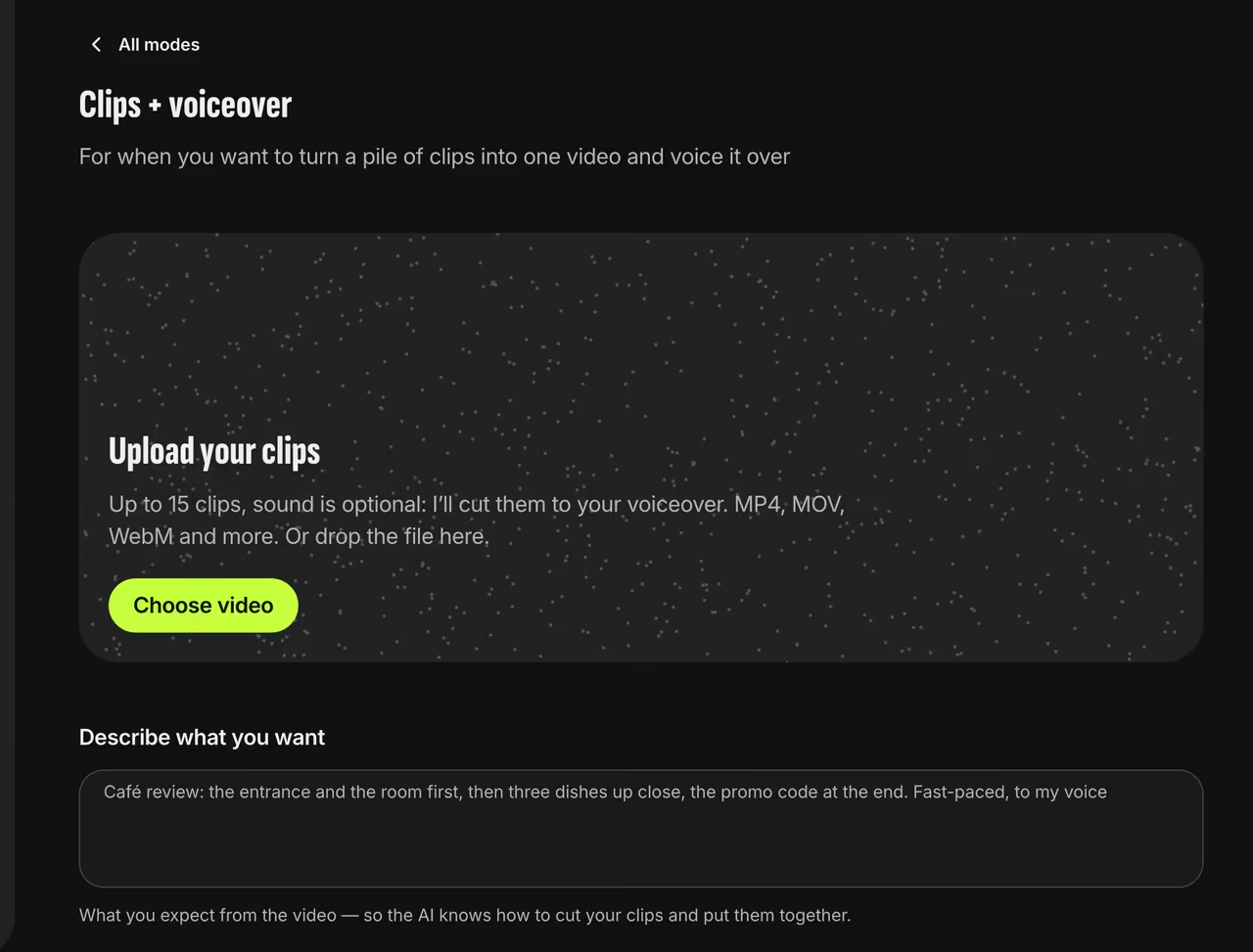
Clips + voiceover Paste your script
Tap “Record voice” to open the full-screen recorder. Paste your script into “Your text”: once you start recording, it turns large, like a teleprompter.
Read and record
After the countdown, read your script, hit Stop at the end of a piece and move on to the next one. Made a mistake? Undo removes the last piece. You’ll see the mic level, and the screen stays on.
Get your video
Trendino joins the pieces, cuts pauses, “um”s and retakes, times the shots to your words and adds captions.
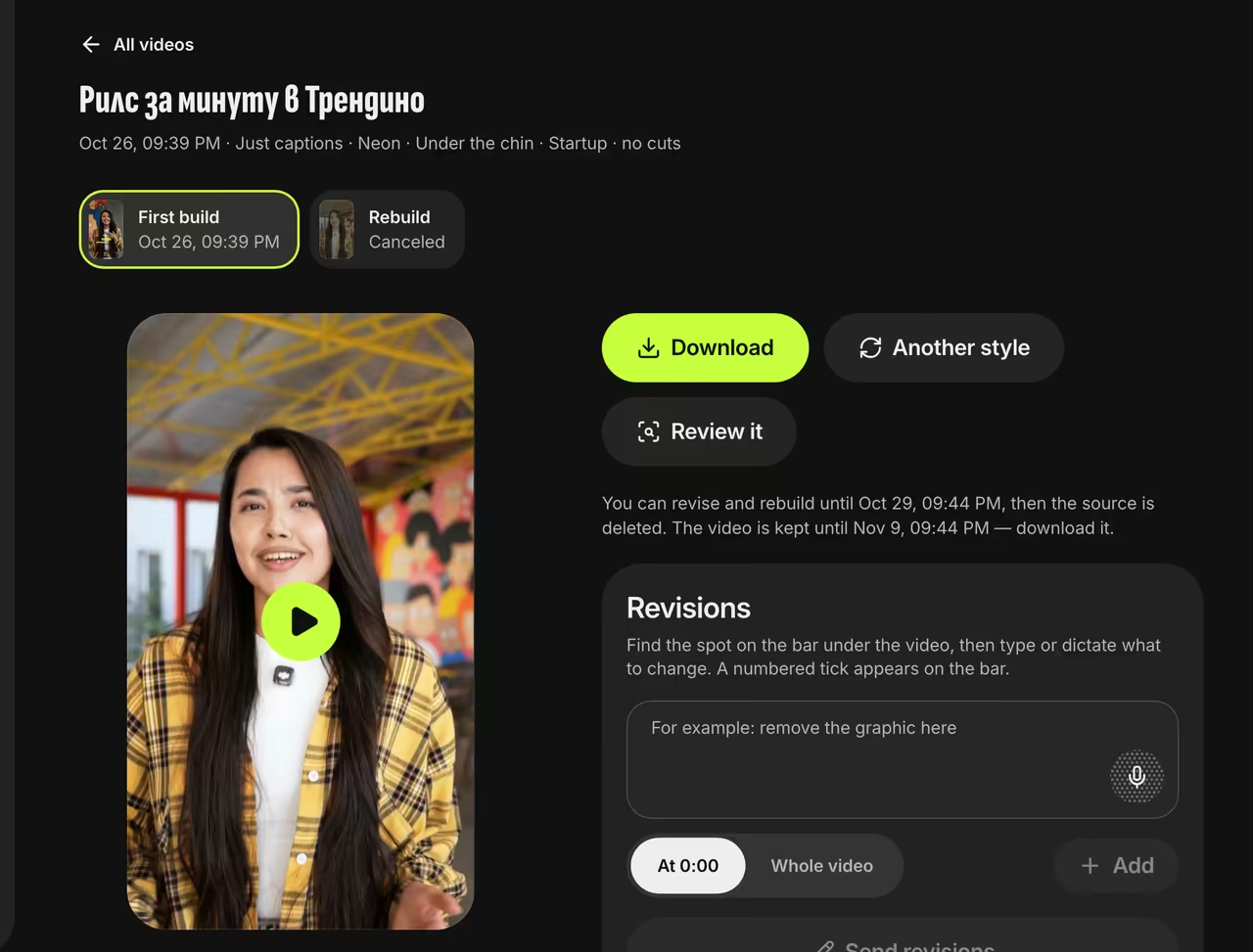
Finished video


FAQ
My video is already edited. Will it get re-cut?
Yes. Its shots are matched to your words again, so the order may change. If more than a third of the video is speech, its sound is muted under your voiceover.
Can an AI voice read my script?
No. The AI voice only reads a script it writes itself from your clips and description. To get your exact words, record them in your own voice.
How much can I record?
Up to 3 minutes of voice, in pieces. A piece shorter than a second and a half isn’t saved.
What languages can I use?
Pick the voiceover language, one of 51. We transcribe your speech and add captions in it.